Focus through
Cognitive Play.
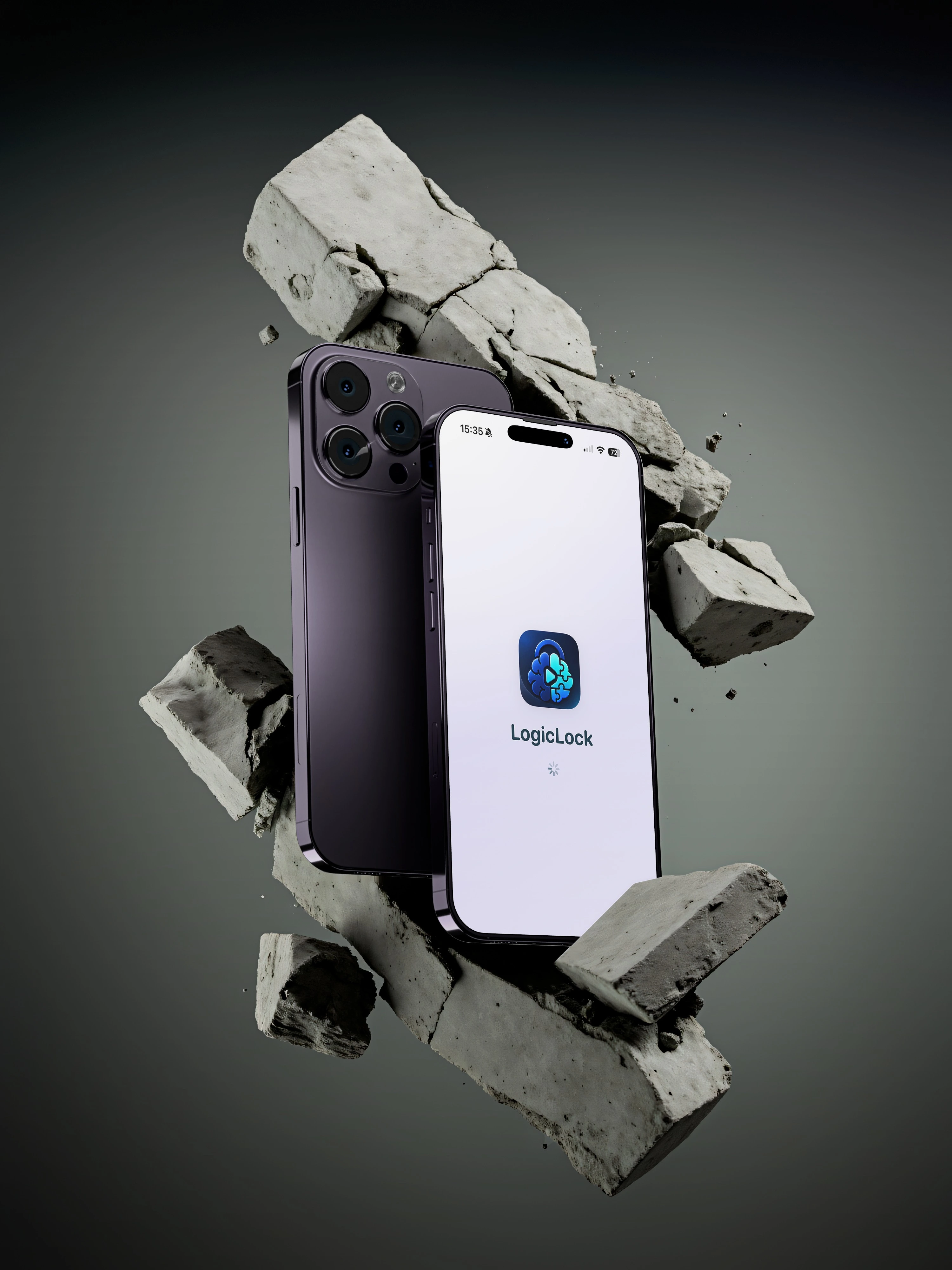
Stop mindless scrolling before it starts. LogicLock intercepts your chosen apps and requires you to solve engaging cognitive puzzles to unlock them. Reclaim your focus on your own terms.
-
Doomscrolling
+
Time Saved
Min
Free Daily
The LogicLock Loop
Three steps. One powerful habit shift.
1. Full Control
You decide everything. Lock WhatsApp, Instagram, or any app. Nothing is forced — everything is fully customizable.
2. Engage
Instead of instant access, activate your brain with short logic puzzles. Turn bad screen habits into active cognitive blocks.
3. Earn Screen Time
Solve riddles to generate screen time rewards. Plus, enjoy 15 completely free minutes allocated directly to you every day.
Choose Your Difficulty
Customize how hard it is to unlock your apps. The higher the discipline, the more complex the cognitive friction.
The Full Journey
From locked app to earned screen time — four steps that rewire your habits.
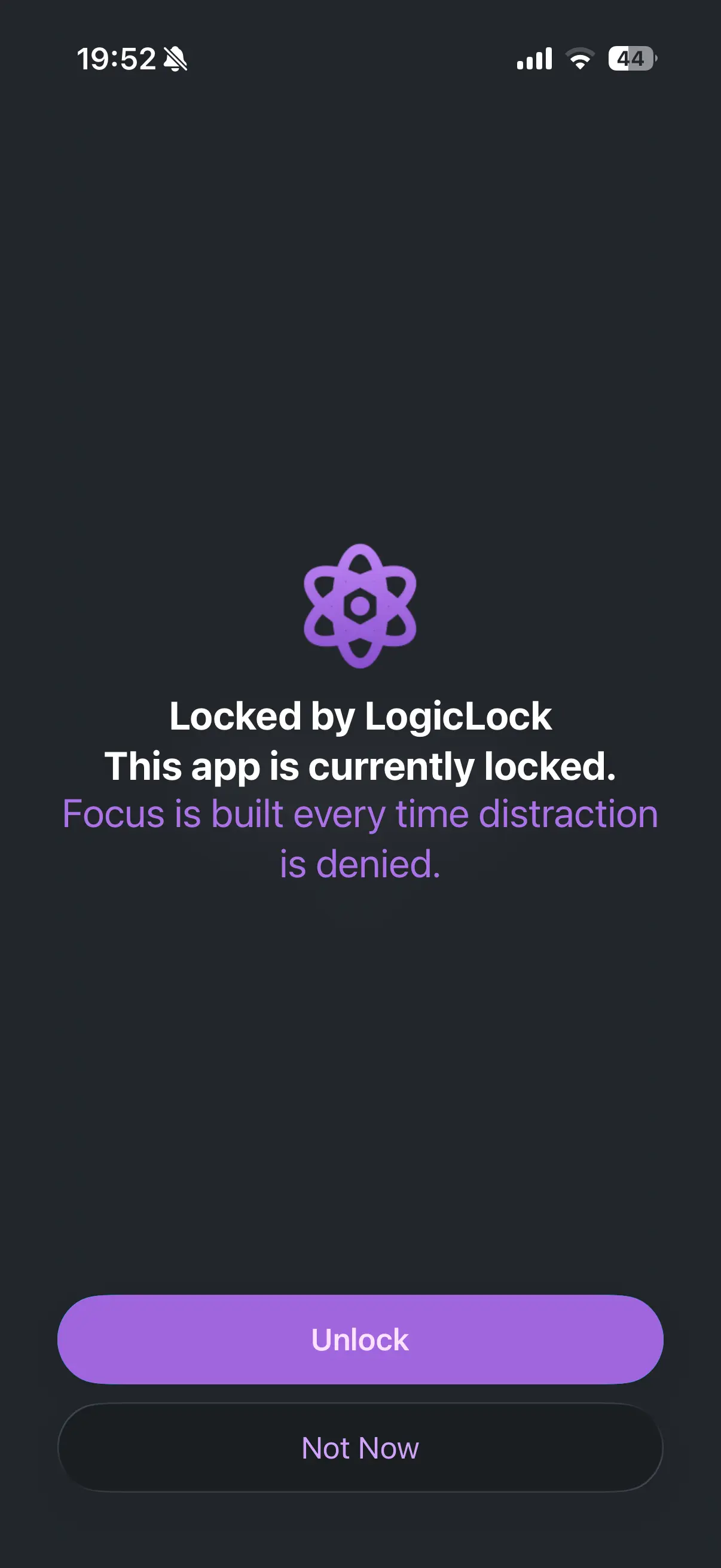
App Locked
You try to open an app — LogicLock steps in.
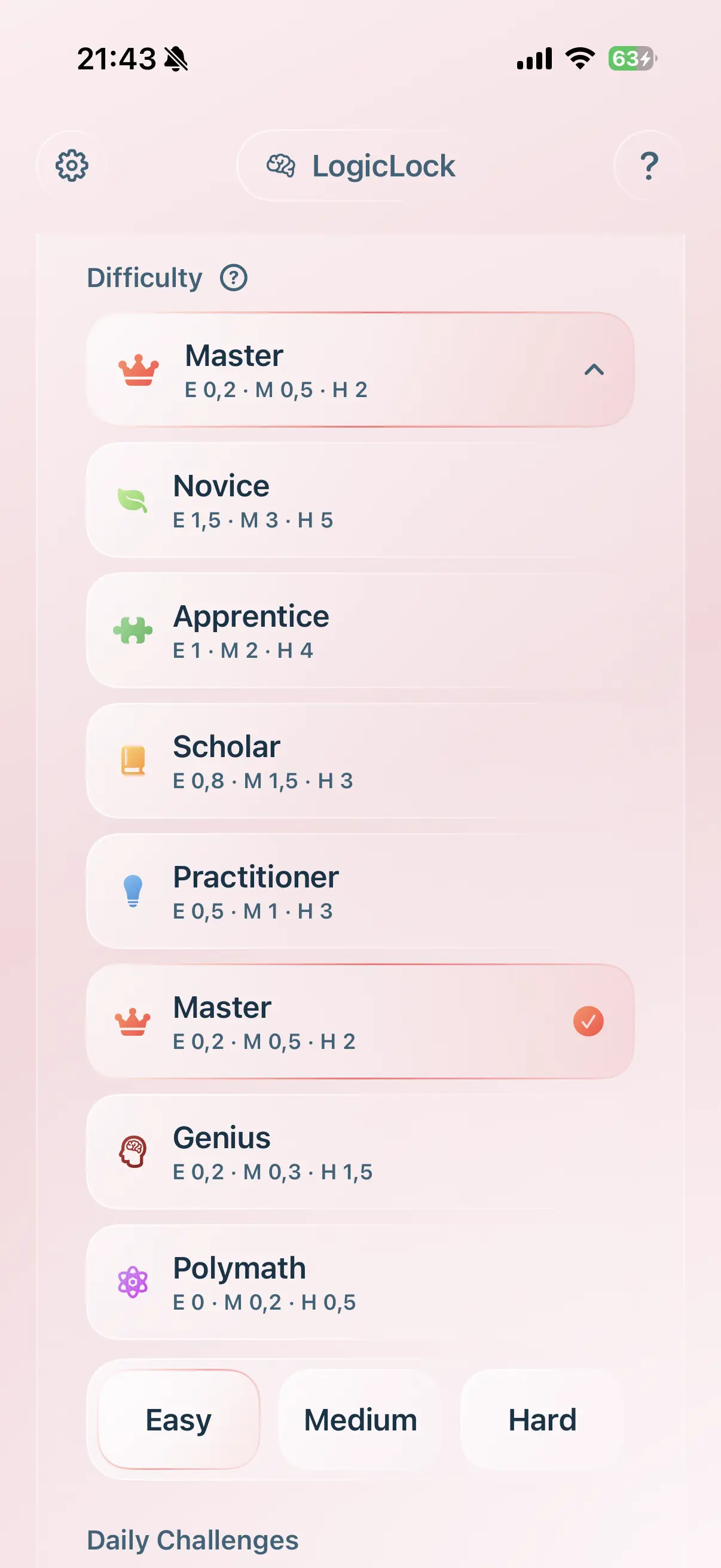
Choose Category
Pick your difficulty level and puzzle type.
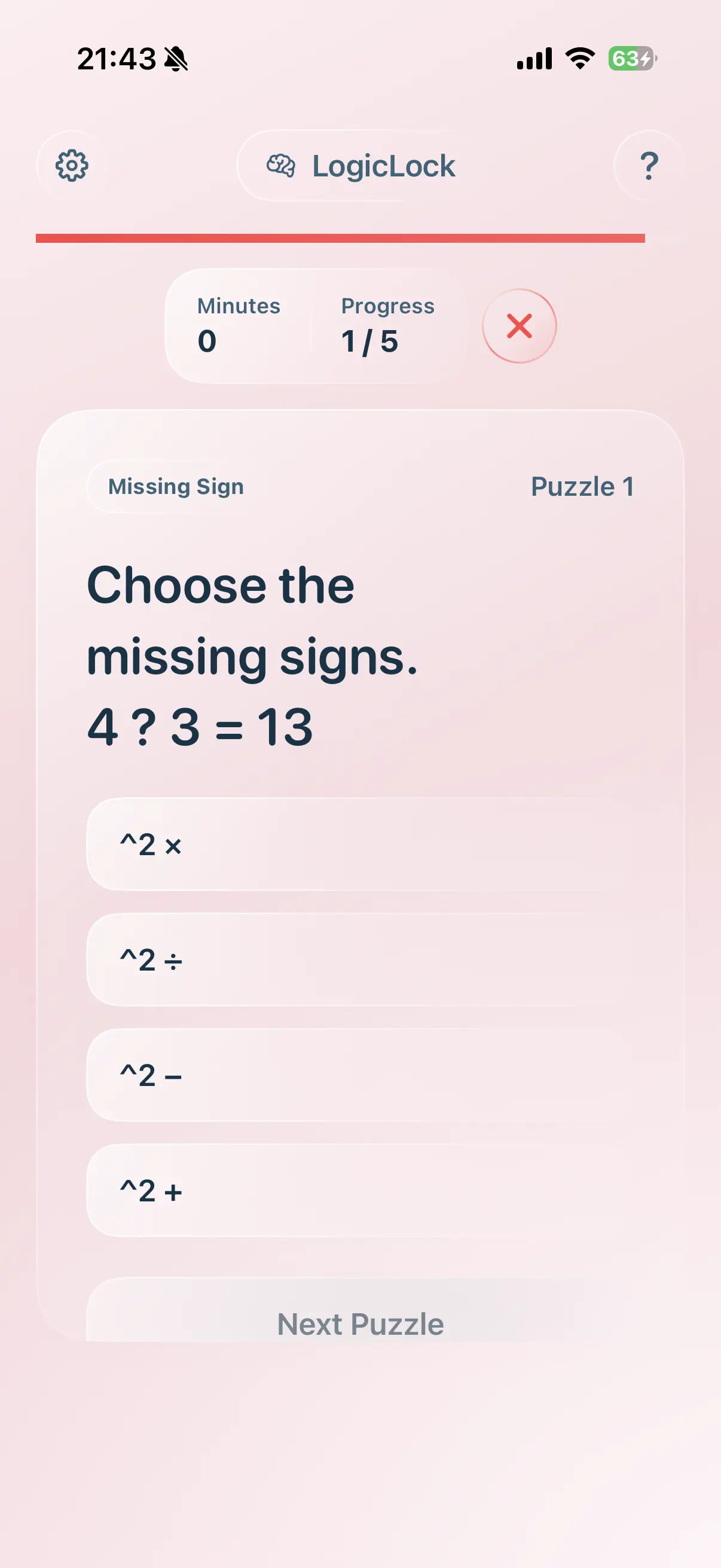
Solve a Puzzle
Engage your brain to earn access.
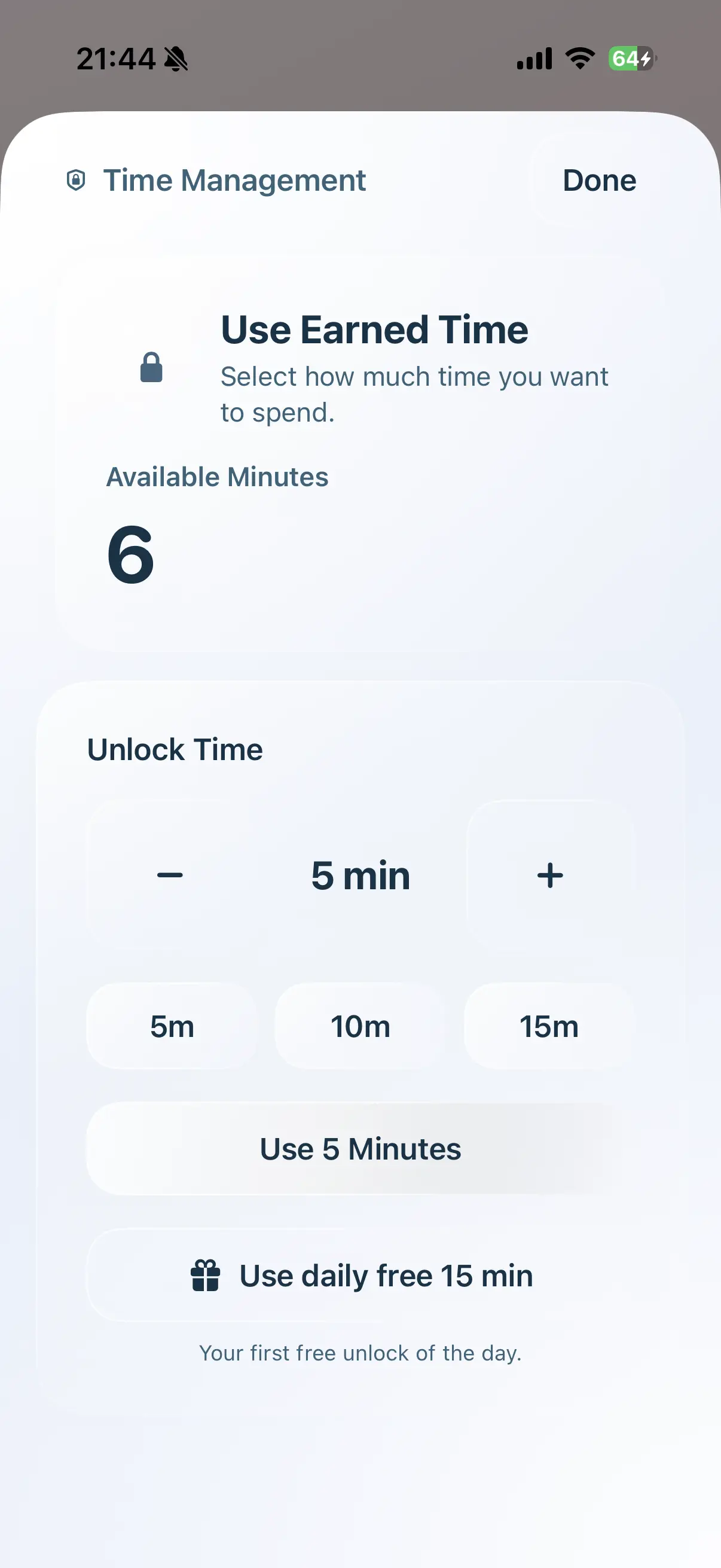
Unlock & Use
Select your earned minutes and enjoy.
Time Limit Mode
Set your own daily limit per app. Once it runs out, the puzzles are your way back in.
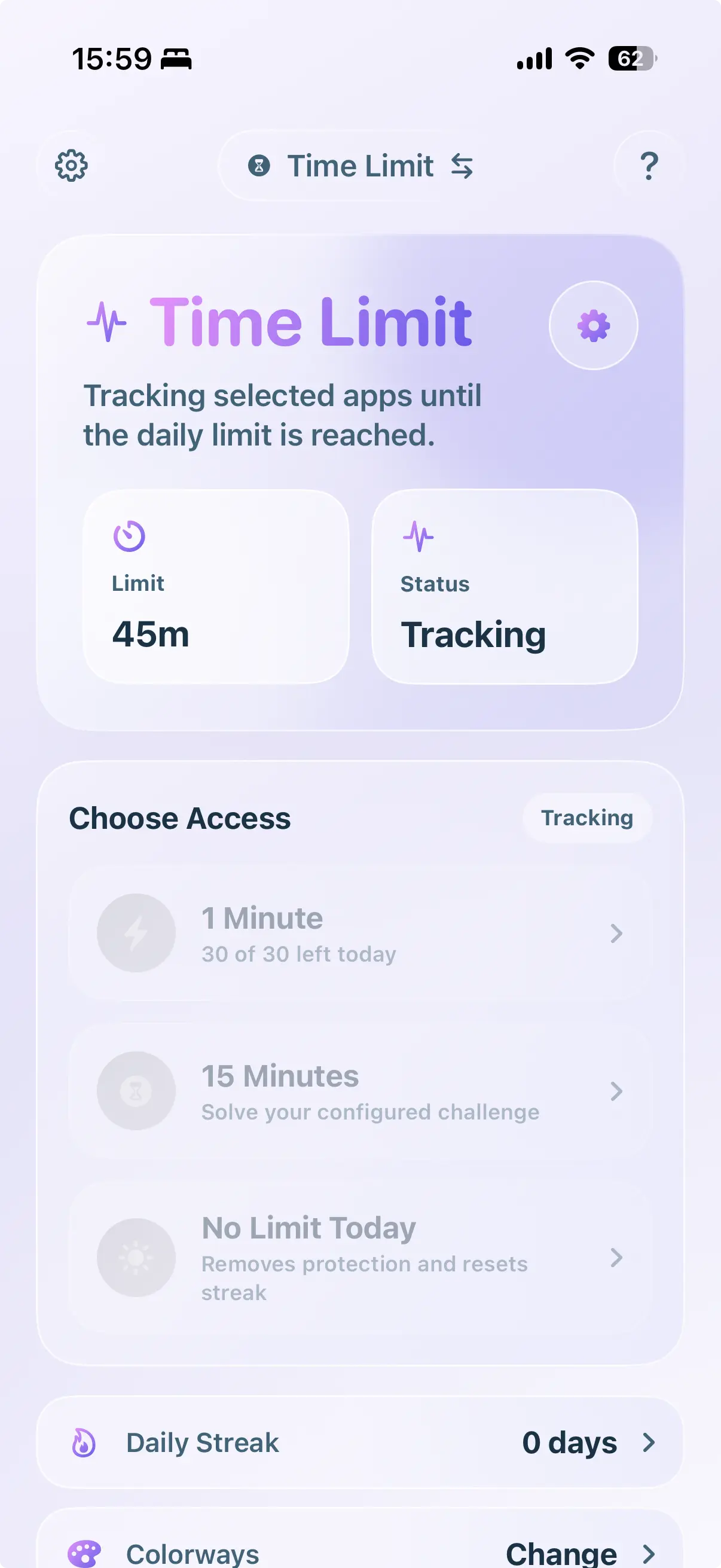
Set Your Limit
Choose how much time you want in each app per day.
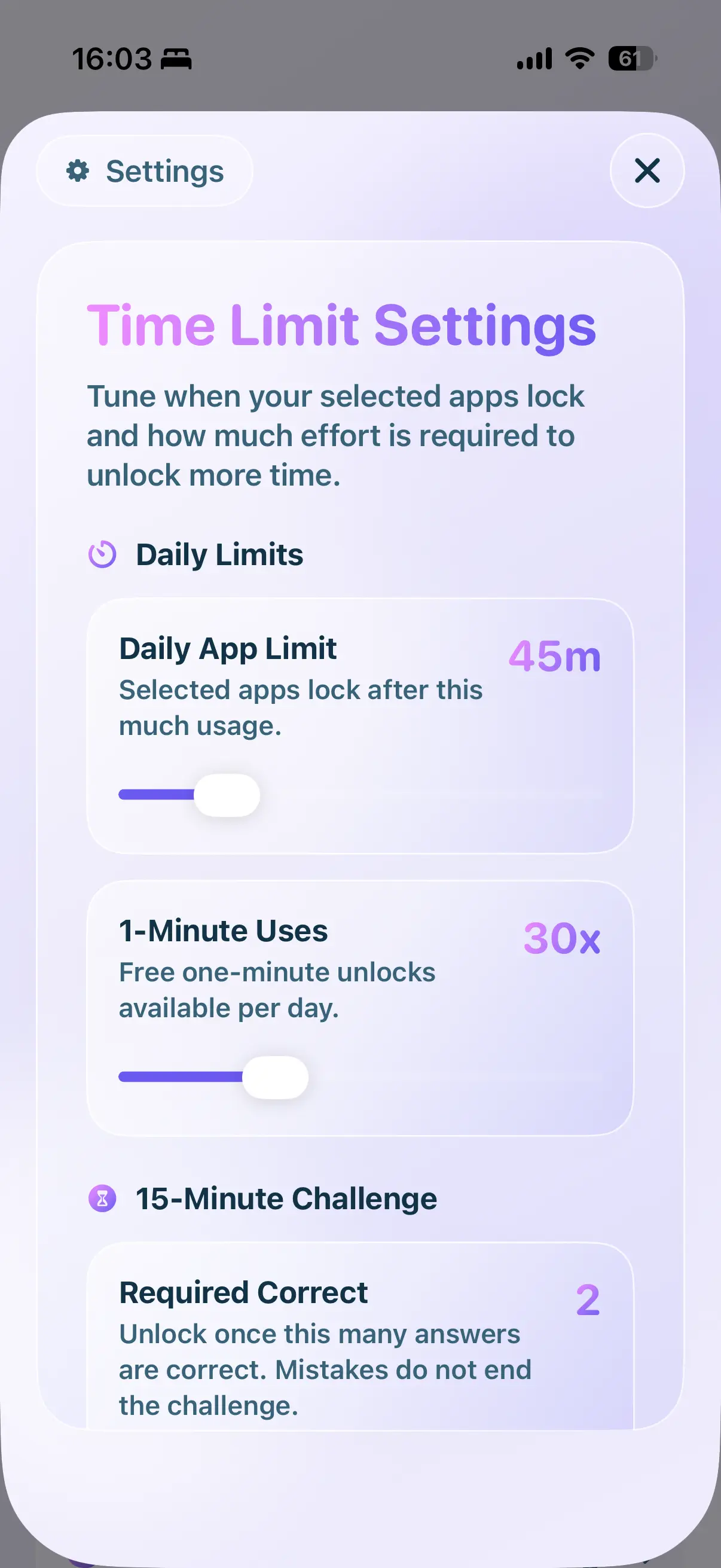
Add Free Minutes
Decide how many free 1-minute passes you get for quick check-ins.
Limit Reached
Your time is up — LogicLock locks the app again.
Solve to Unlock
Beat a puzzle to get back in — on your terms.
Why friction works.
Dopamine Reset
Social media triggers instant gratification. By inserting a logical puzzle, we interrupt the dopamine loop and force conscious decision-making.
100% Granular Customization
Block heavy distraction channels like WhatsApp, YouTube, and TikTok, or set up subtle protective walls around standard phone tools.
Built-In Daily Free Time
Receive 15 free minutes daily. Perfect for quick morning updates or essential communications without solving puzzles first.
Frequently Asked
Does it drain my battery?
No. It relies entirely on native iOS frameworks, resulting in practically zero battery impact.
Can I lock specific apps?
Yes, you choose exactly which apps or entire app categories (like Social or Games) require puzzles.
What if I need quick access to a blocked app without solving a puzzle?
Don’t worry, you are always in control. If you ever need immediate access to an app (or just want a break from the puzzles), you can temporarily unlock your apps directly inside the LogicLock app with a single tap. It’s designed to break your bad habits, not to lock you out when it matters.